Currently Empty: ₹0.00

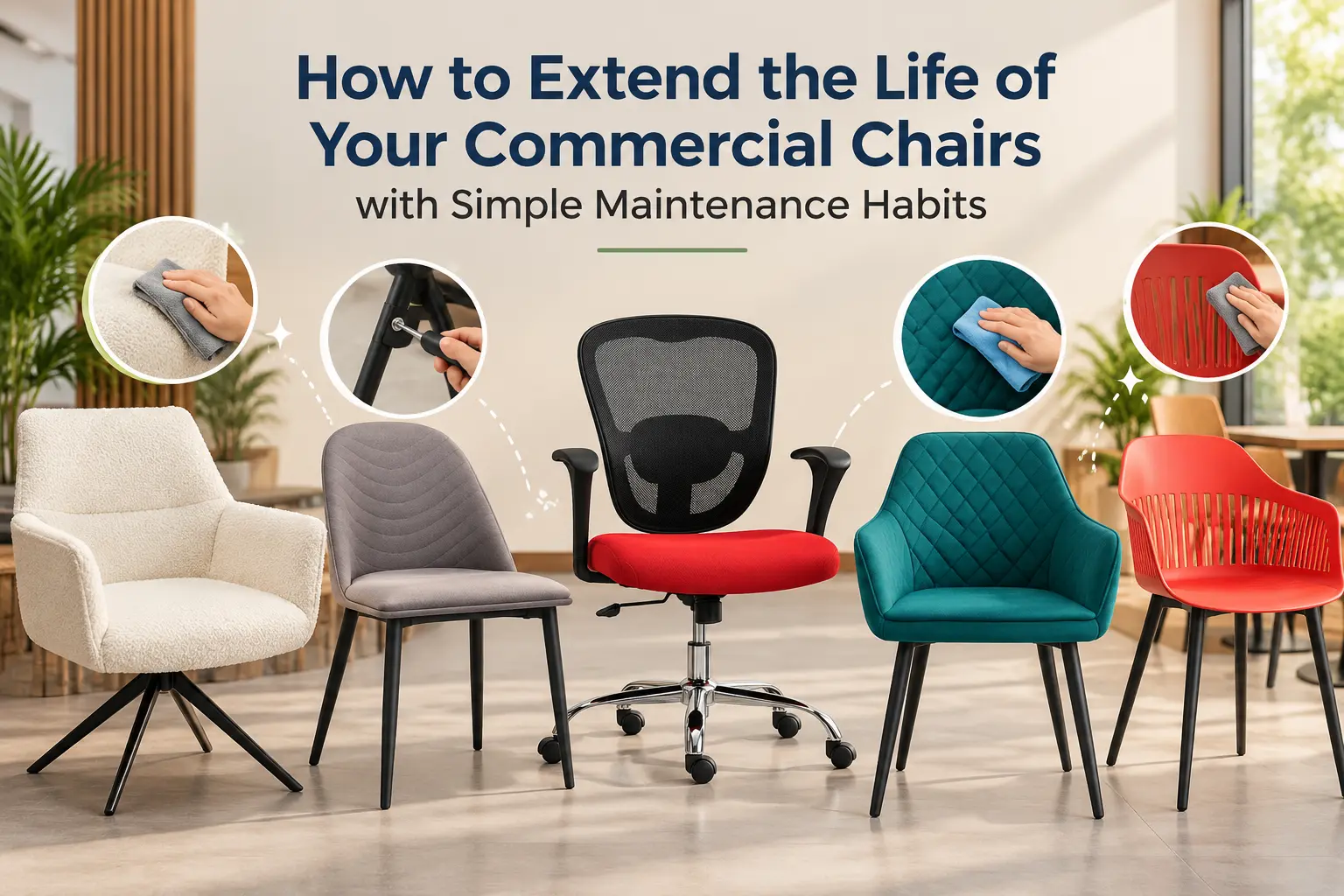
Commercial chairs are used much more frequently than chairs in a typical home. In offices, cafes, restaurants, hotels, waiting areas, and institutions, chairs may be moved, stacked, cleaned, and used by different people every day. Over time, this regular use can lead to loose screws, stains, scratches, wobbly legs, damaged upholstery, and other issues.
The good news is that many common chair problems can be prevented with simple and regular maintenance. Following a few practical chair maintenance tips can help extend the usable life of your furniture, maintain its appearance, and reduce unnecessary replacement costs.
Whether you manage an office, cafe, restaurant, hotel, or commercial property, here are some simple habits you can follow.
1. Inspect Chairs Regularly
The first step in commercial chair care is regular inspection. You do not need complicated equipment for this. A quick inspection once every few weeks can help identify small problems before they become major repairs.
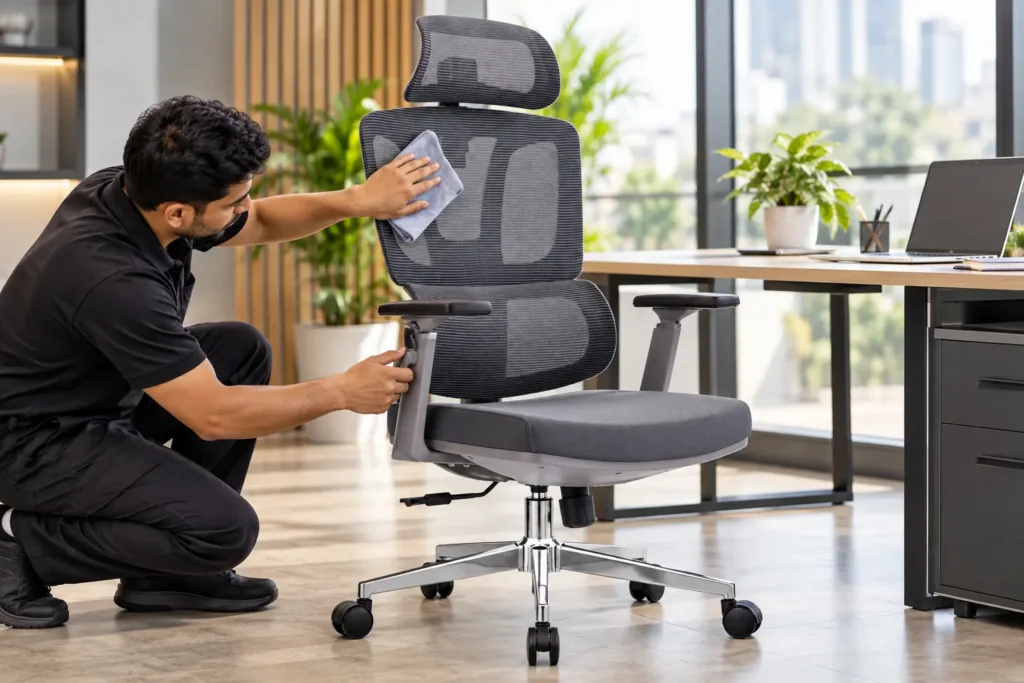
Check each chair for:
- Loose screws, bolts, or nuts
- Wobbly legs
- Cracks in plastic, wood, or metal components
- Damaged upholstery
- Broken armrests
- Loose backrests
- Scratches or rust on metal frames
- Damaged wheels or bases on office chairs
Pay particular attention to chairs that receive heavy daily use. A loose screw may be a simple repair today, but ignoring it can eventually damage the frame or make the chair unsafe.
2. Tighten Screws and Bolts Before They Become Loose
Commercial furniture is constantly subjected to movement and pressure. When people sit down, stand up, or move chairs around, screws and bolts can gradually loosen.
Keep a basic toolkit available and inspect the hardware periodically. Tighten loose screws and bolts, but avoid overtightening them, especially on plastic components, because excessive force can damage the material.
For cafes and restaurants, this should be part of routine closing or weekly maintenance. Staff can quickly check chairs while cleaning tables and floors.
This simple habit is one of the most effective ways to increase the lifespan of commercial seating.
3. Fix Wobbly Chair Legs Immediately
A wobbly chair is not just uncomfortable; it can also become a safety concern.
If you are wondering how to fix wobbly office chair legs at workplace, start by placing the chair on a flat surface and identifying which leg or connection is causing the movement.
Depending on the chair design, you may need to:
- Tighten the connecting screws or bolts.
- Check whether a leg has become bent or damaged.
- Inspect the leg joint for cracks.
- Check whether a protective foot or floor glide is missing.
- Replace damaged hardware if necessary.
For metal-frame chairs, check the welded joints carefully. If the frame itself is cracked or badly bent, avoid using the chair until it has been professionally repaired or replaced.
4. Clean Chairs According to Their Material
Different chair materials require different cleaning methods. Using the wrong cleaning product can damage the finish, upholstery, plastic, or metal surface.
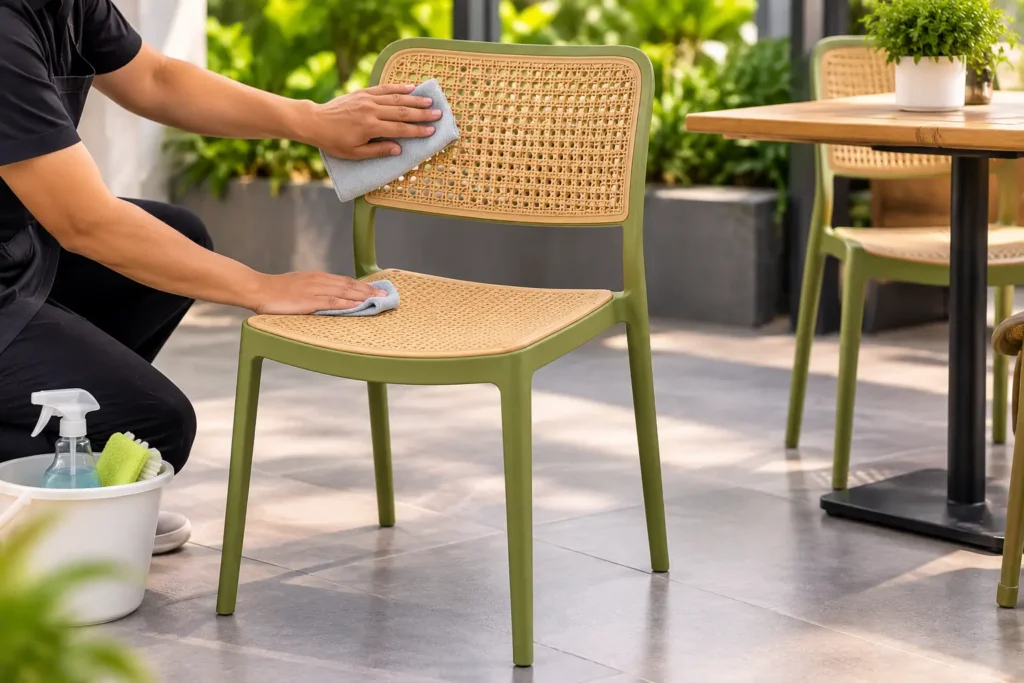
For plastic chairs, use a soft cloth with mild soap and water. Avoid abrasive scrubbers that can leave permanent marks.
For wooden chairs, remove dust regularly and use a suitable wood-safe cleaning product. Avoid excessive water because moisture can affect certain wooden surfaces.
For metal chairs, wipe away dust and moisture regularly. If you notice early signs of rust, address them before the affected area becomes larger.
These basic cafe chair cleaning tips are especially useful in high-traffic cafes and restaurants where chairs are exposed to food, beverages, dust, and frequent handling.
5. Clean Upholstered Chairs Carefully
Upholstered commercial chairs need extra attention because fabric can absorb spills and collect dust.
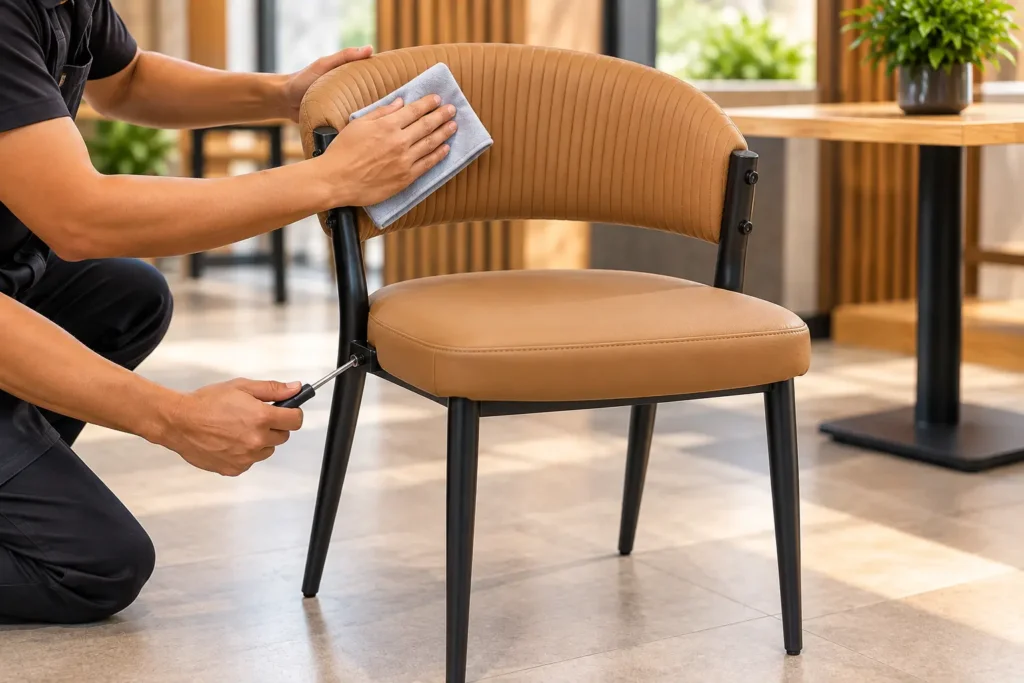
When cleaning upholstered seating, first remove loose dust using a vacuum cleaner or soft brush. For minor stains, use a suitable upholstery cleaner after checking the manufacturer’s cleaning recommendations.
Always test a cleaning solution on a small, less visible area first. Avoid soaking the fabric because excessive moisture can remain inside the padding and potentially cause unpleasant smells or material damage.
For restaurants and cafes, clean spills as soon as they happen. A fresh coffee or food stain is generally easier to deal with than a stain that has remained on the fabric for several days.
6. Avoid Dragging Chairs Across the Floor
Dragging chairs may seem like a small thing, but repeated dragging can damage both the chair and the floor.
It can:
- Put stress on chair legs and joints
- Scratch floors
- Loosen hardware
- Damage protective feet
- Bend lightweight frames over time
Encourage employees and customers, where practical, to lift chairs slightly when moving them.
If chairs are regularly moved around a dining or cafe space, consider using suitable floor glides or protective feet designed for the chair and flooring type.
7. Follow Correct Stacking Practices
Stackable chairs are commonly used in cafes, restaurants, training rooms, banquet halls, and event spaces because they are easy to store.
However, incorrect stacking can cause unnecessary damage.
Do not stack more chairs than the manufacturer’s recommended limit. Make sure the chairs are aligned properly before moving a stack. Avoid throwing or dropping chairs onto one another.
When storing chairs for longer periods, keep them in a dry and clean area away from excessive moisture and direct environmental exposure.
Proper handling is an important part of how to maintain commercial chairs for cafes and restaurants because these chairs are frequently moved during cleaning, events, and rearrangement.
8. Keep Outdoor Chairs Protected
Outdoor commercial chairs are exposed to sunlight, rain, dust, humidity, and temperature changes. Even weather-resistant furniture benefits from proper care.
Clean outdoor chairs regularly to remove dust and dirt. After heavy rain, allow chairs to dry properly instead of storing them while they are still wet.
Where possible, store outdoor furniture under a covered area when it is not being used for extended periods.
For metal furniture, inspect joints, frames, and coating for scratches or early signs of corrosion. Addressing small surface damage early can help prevent further deterioration.
9. Do Not Exceed the Chair’s Intended Use
Every commercial chair is designed for particular applications and usage conditions.
Avoid standing on chairs to reach high shelves or using chairs as makeshift ladders. Do not overload chairs beyond their specified capacity.
In offices, avoid using visitor chairs as step stools. In restaurants, do not use dining chairs for purposes they were not designed for.
Using a chair correctly is one of the easiest ways to prevent structural damage and unnecessary repairs.
10. Create a Simple Maintenance Schedule
Regular maintenance becomes easier when it is part of a routine.
A simple commercial chair maintenance schedule could look like this:
Daily:
Remove visible dirt, food particles, and spills.
Weekly:
Check frequently used chairs for loose screws, wobbling, stains, or visible damage.
Monthly:
Inspect frames, joints, upholstery, wheels, glides, and hardware more thoroughly.
Every 6–12 months:
Carry out a detailed inspection and repair or replace damaged components where required.
The exact frequency depends on how heavily the chairs are used, the chair material, environment, and manufacturer’s recommendations.
When Should a Commercial Chair Be Replaced?
Maintenance can extend the life of a chair, but it cannot solve every problem. Replacement may be necessary when the frame is seriously cracked, the structure is permanently bent, the seat has become unstable, or important components cannot be safely repaired.
Look for signs such as:
- Major cracks in the frame
- Permanently bent legs
- Repeated instability after repairs
- Broken structural joints
- Severely damaged upholstery
- Damaged components that affect safety
- Excessive wear that cannot be restored economically
If a chair is structurally unsafe, remove it from use instead of continuing to repair it.
Frequently Asked Questions
How often should commercial chairs be serviced?
Commercial chairs should be inspected regularly, especially in high-traffic environments. A basic inspection can be performed weekly or monthly, while a more detailed maintenance check can be scheduled every 6–12 months. Follow the manufacturer’s recommendations where available.
How do I clean upholstered commercial chairs?
Start by removing dust with a vacuum or soft brush. Clean minor stains using a suitable upholstery cleaner and follow the fabric manufacturer’s care instructions. Always test cleaning products on a hidden area first and avoid excessive moisture.
What are signs a commercial chair needs replacing?
Major frame cracks, permanently bent legs, repeated wobbling, damaged structural joints, and components that cannot be safely repaired are common signs that replacement may be necessary. If a chair creates a safety risk, it should be removed from service.
Final Thoughts
Commercial chairs are a long-term investment, and regular maintenance can help you get more value from that investment. Simple habits such as tightening hardware, cleaning spills quickly, checking for wobbling, protecting upholstery, and storing chairs correctly can prevent many common problems.
The key is not to wait until a chair becomes badly damaged. Include chair maintenance tips in your regular cleaning and facility-management routine, and small maintenance tasks can become much easier to manage.
For offices, cafes, restaurants, hotels, and other commercial spaces, consistent commercial chair care helps maintain both the appearance and usability of your seating while reducing avoidable replacement costs.